

NoSlack Pets: Lo-Fi Paws 48h Update: New “miino” Meow Code & More Fixes
Date: 2025-11-06 17:23:01
Thanks so much for your support!
In the first 48 hours after launch, we pushed a large batch of fixes, improvements, and small new features. Everything listed below is already live—take a look! 🐱✨
🆕 New
- New Meow Code: [c]miino[/c]
Enter via Meow Code in-game to claim rewards.
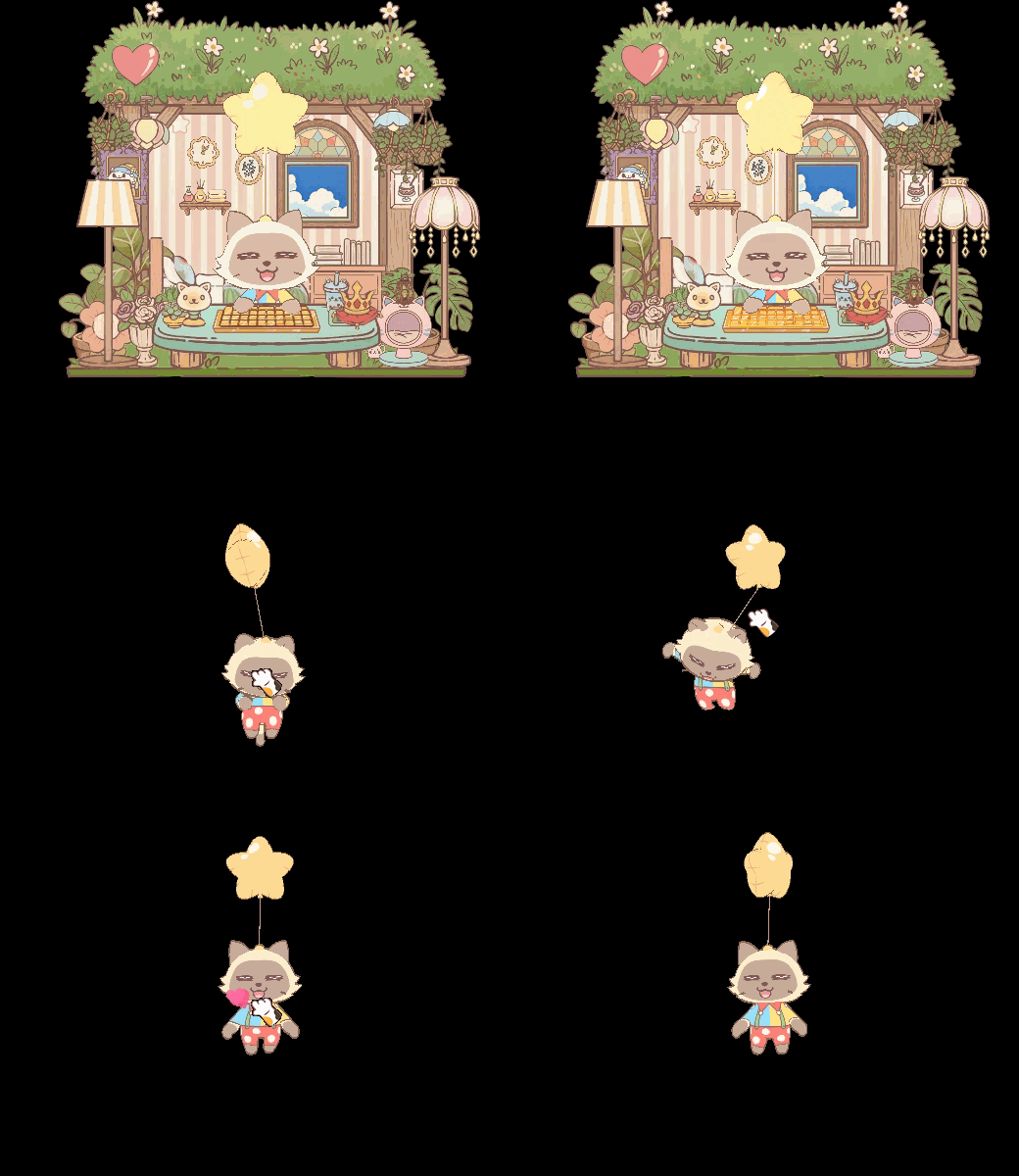
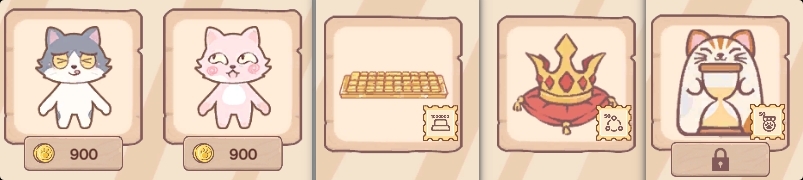
- New cat breeds ×2
- New cat-desk devices & decorations ×3
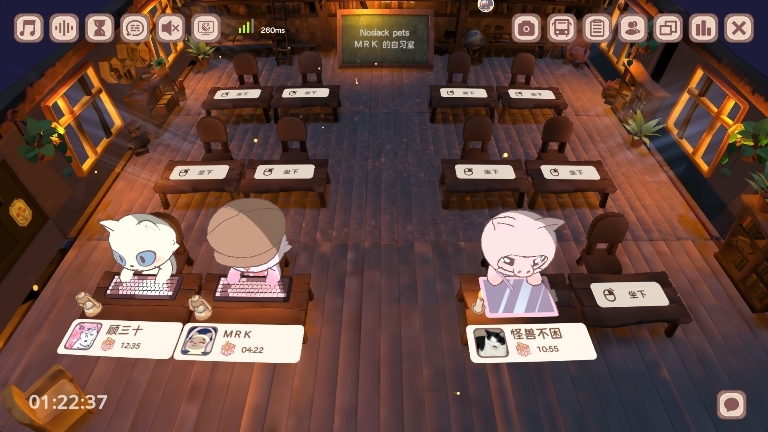
- New Shared Study Desk
A two-seat cozy desk for the Study Room—sit together with a friend 🐱
- New beginner guides for:[list]
- Market → Headgear
- Headgear
- Headgear Synthesis
Controller/keyboard counter (button press tracking)
[*]Friend-only filter added to:
- Music list
- White Noise list
- Pomodoro list
Pomodoro: option to disable page-turn animation
[*]New tap/click FX when interacting with Miino
[*]Achievements: Added Claim All button
[*]Settings → “Click-to-Speak” toggle
Disable Miino's talking when clicking.
Settings → Random Favorite Headgear
Auto-rotate among your “Favorites” headgear.
⚙️ Improvements
- Daily Tasks: If all rewards are claimed and the task list is empty, the window now auto-closes.
- Unified display format for Headgear quality tiers
- Synthesis UI copy improved for clearer instructions
- Album / Collection visuals optimized
- Lava Lamp prop rendering improved
- Study Room (Mini Mode):
When disconnected, automatically pops out the Cat Bus - Improved Study Room disconnect prompts
- Updated visuals for “Macaron Ice Cream” Headgear
- Support for double-clicking the .exe to launch the game
- Room Lights now display above room props correctly
- More refined “Lost network” messages in Study Room
- Duplicate Headgear detection now based on “owned” status
- After a Pomodoro ends, Cat Bus auto-expands and switches to the Pomodoro tab
- Opened more long-distance Study Rooms
🐞 Bug Fixes
- Fixed sticky dragging when moving the cat with drawing tablets
- Fixed Headgear not being removable in some cases
- Fixed inability to enter Friends-Only Study Rooms
- Fixed player’s own cat not appearing in Pool Party
- Fixed achievement “Place 20 props” unable to complete
- Fixed F12 screenshots missing house visuals
- Fixed Pomodoro “Auto-Switch” not proceeding to next phase
Meow Code
Go to Settings → Activity → Meow Code 🐱 and enter the code:
🎀 Yarn Ball (Epic): noslackpet
🐟 Canned Fish (Epic): demo
🎲 Artifact Cube (Epic): artifactseeker (Valid if you own Artifact Seeker or Artifact Seeker: Rebirth)
💰 5000 Paw Coin: coina
💰 2000 Paw Coin: coinb
💰 3000 Paw Coin: steamnextfest
💡 Moon Jade Rabbit Lamp: midautumn
🎃 Halloween Color Lamp: halloween
🐱 Strawberry Cat: strawberrycat
👉 Each reward can only be claimed once per player.
👉 Test rewards WILL carry over to full release.
👉 More hidden rewards → check announcements!
In-game FAQ
Q: I see a “Steam error” when opening Gift Box. What can I do?
A:
Gift Box rely on the Steam Inventory/Community services. This error usually indicates an unstable connection to Steam.
Check: open the Steam Community Market from Headgear → Market in-game; if it doesn’t load, box opening will fail.
Retry: try again later, or use a more stable or locally appropriate routing solution for your region.
Wait: if many players report the same issue, it’s likely a temporary Steam-side incident; please wait for recovery.
💬 A small request
If you’re willing, please consider leaving or updating a Steam review (positive or negative)—
it really helps other players discover the game and helps us improve.
May every focus session bring a tiny joy. 🐱💛