

Patch 1.08 Available For All Players
Date: 2025-11-20 02:09:38
Lumines Arise Patch 1.0.8 (11/19/25)
Bug Fixes and Improvements
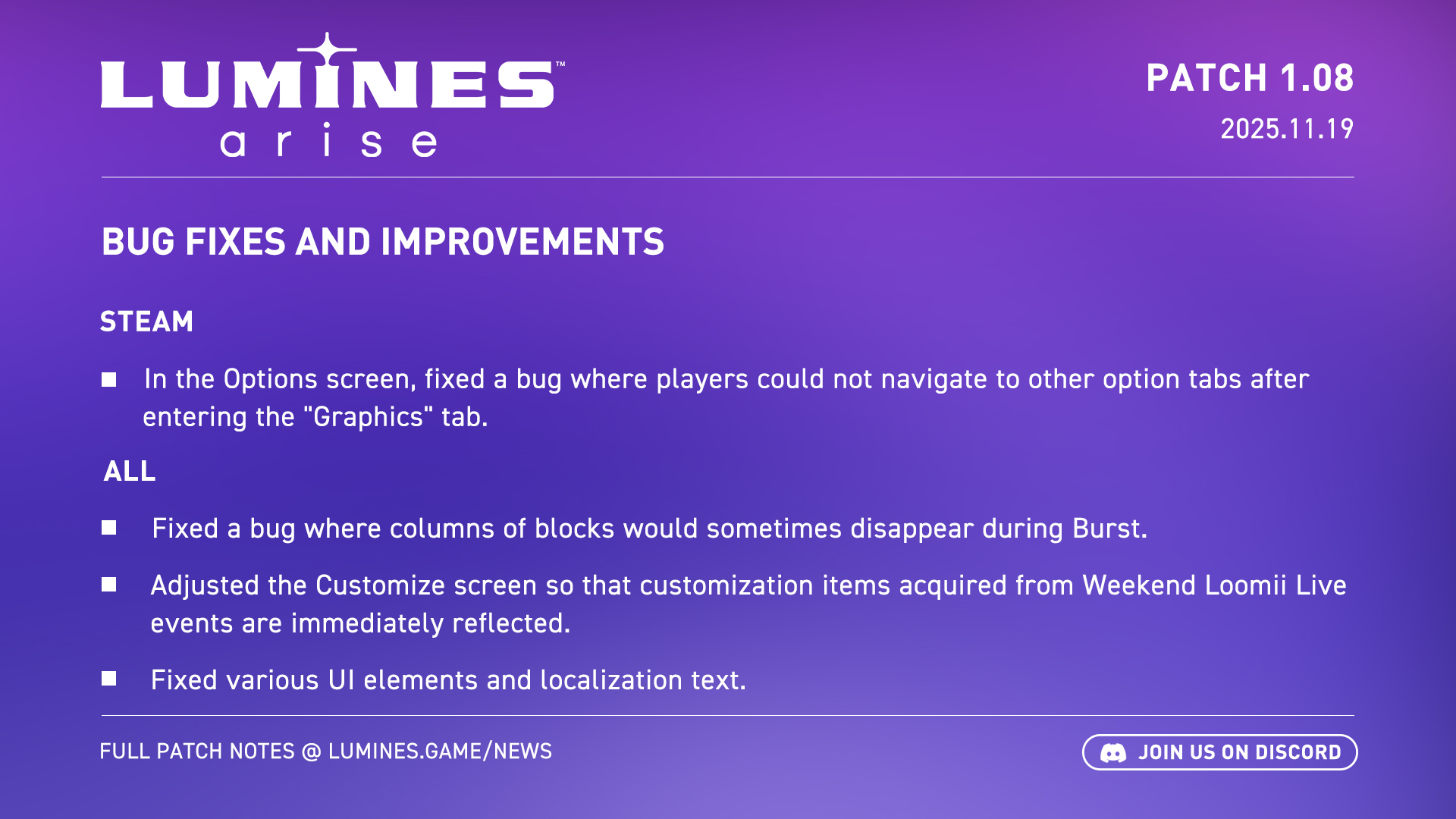
[ALL] Fixed a bug where columns of blocks would sometimes disappear during Burst.
[ALL] Adjusted the Customize screen so that customization items acquired from Weekend Loomii Live events are immediately reflected.
[ALL] The rankings under Data will now display local scores even when the player is not ranked.
[ALL] In Burst Battle, fixed a bug where music would loop continuously after starting a match while in the customization block selection screen.
[ALL] In Burst Battle, fixed a bug where the VS screen animation and the Burst count would not be visible if a match was started while the player was in the Data or Customize screens.
[ALL] Fixed various UI elements and localization text.
[STEAM] In the Options screen, fixed a bug where players could not navigate to other option tabs after entering the "Graphics" tab.
[STEAM] Fixed a bug where the game ignored your launch settings and launched in VR mode if a VR headset was connected.
[STEAM] In Journey's Survival mode, fixed a bug where some sounds would stop playing, and if play continued, the final stage could not be cleared.
[STEAM] Fixed a bug where the UI on the playfield could become invisible.
[STEAM] In Journey mode, fixed a bug where the cursor would behave incorrectly after opening and closing the Options menu when selecting difficulty.
Known and existing issues:
We continue to work on several major issues reported by users since launch and appreciate your patience!
Server connection issues - We know a lot of players are seeing frequent connection errors. We are looking into these and hope to have a fix soon.
Readability and colorblindness - We are investigating ways to improve the playfield's overall readability for all players via additional in-game settings. Simultaneously, we are planning to make adjustments to the existing colorblind settings based on player feedback. Stay tuned!
Background task not ending - We have received reports from some users that the game stays in memory on Steam and cannot be closed even via the Task Manager. If you’re experiencing this issue, please file a support ticket on Zendesk and include as much information as you can about your setup, and attach a Dxdiag file if possible.
Additional Quality of Life features - We are following all the feedback and comments from our community and are planning more quality of life fixes in upcoming patches.
If you run into problems running or playing the game, please check the Support page of the lumines.game website or file a support ticket on Zendesk.