

Tinto Talks #94
Date: 2026-01-14 15:21:05
Hello Everyone and welcome to another Tinto Talks. This is the Happy Wednesday where we tell you what is happening with EU5.
We already showed some UI improvements, including the pinned filters, last week, but here are the bulk of the bigger ones for 1.1 Rossbach! Also speaking of last week, we talked about some of the gameplay improvements, but we still have more there that we will share with you next week.
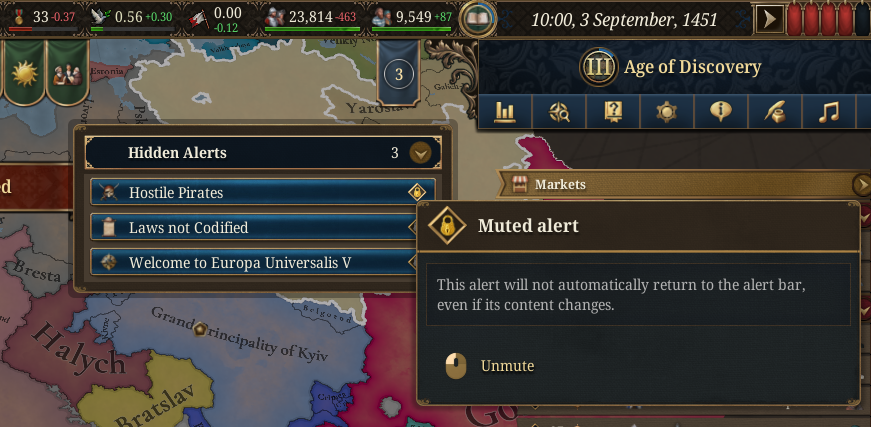
Hidden Alerts
While you can click away an alert already in EU5, they come back when something triggering them has changed. Now for this update, you can permanently mute them as well, so they won't come back. You also have a quick way to access all hidden alerts where you can mute/unmute them, and even unhide any you wish to get back asap.
Unit Formation Improvements
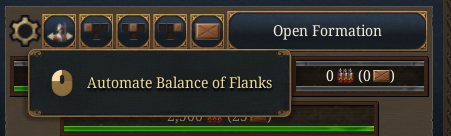
While for some of us it's fun to micromanage your army's exact formation, for many people it's annoying, and for some it is somewhat interesting and sometimes not. While we now have some templated options for the formation, we now also have a toggle for each unit, so that it's automatically balanced every time there has been a change to your army or navy.
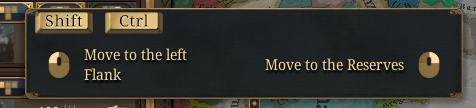
If you open the formation view, you now have a few more tools to use. This little button now allows you to transfer ALL of the same category with SHIFT, while CTRL moves all of the same sub-category, so you can put all your heavy cavalry on the LEFT flank if you so desire.
Mercenary UI Improvements
This is merely about the UI change for mercenaries, other changes are referred to at
https://forum.paradoxplaza.com/foru...ra-levy-mercenary-regular-1-1-rework.1894259/
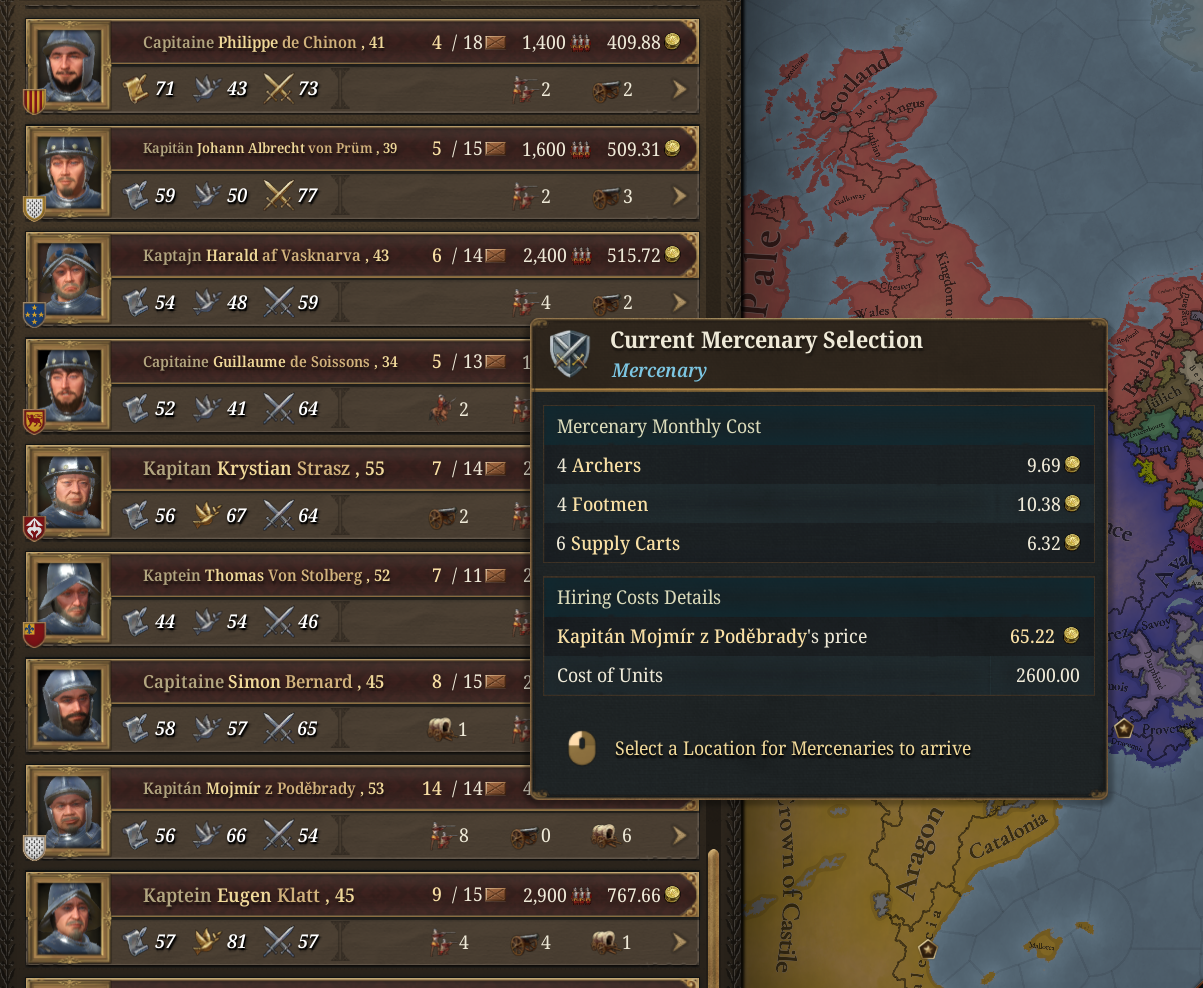
The mercenary recruitment, while powerful, was both extremely cumbersome and also somewhat hidden, two aspects which we are focusing on improving for this update.
First, making it more visible, we renamed the button and put it at the top of the list of raised mercenaries you are aware of.
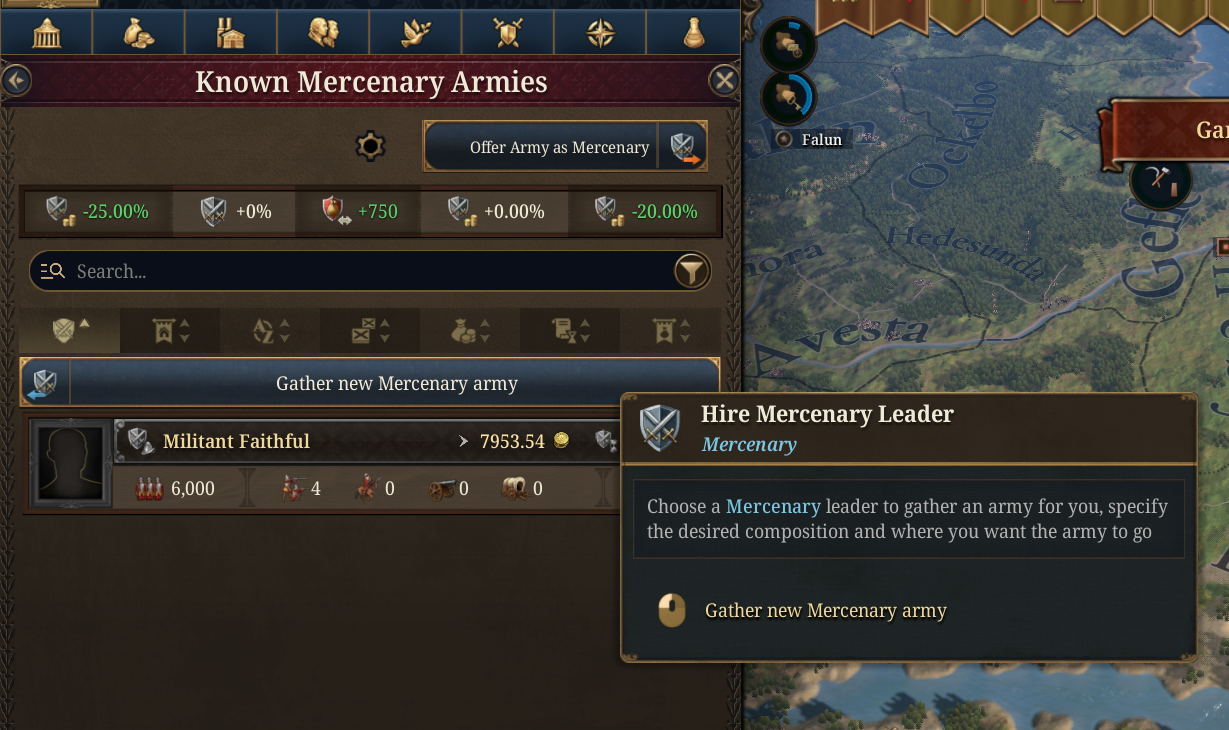 Also, we made it so that you can just click on a captain, and you will get a good army selection from him without having to expand and select details, which is possible to do if you so desire.
 Army & Navy Templates
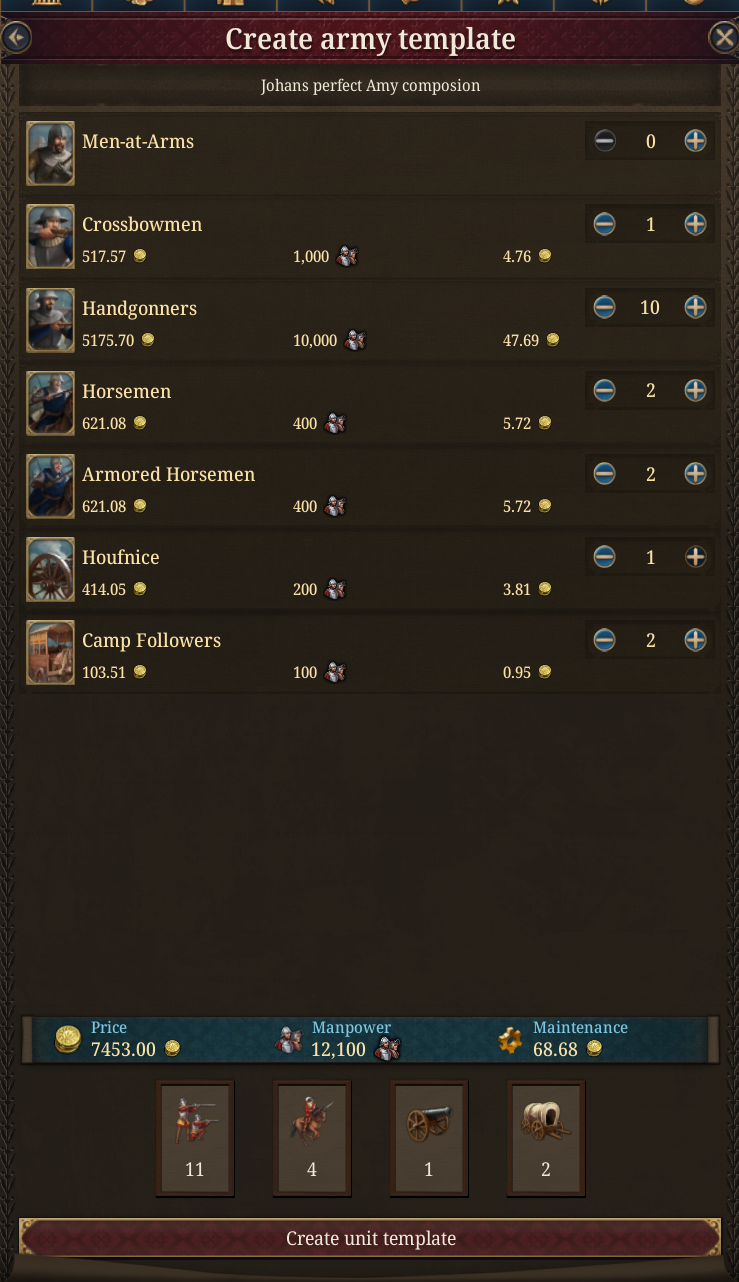
One of the most loved features we added in a DLC for EU4 was the Army/Navy Builder, which was added in Art of War back in 2014. This means that for many of you, this was something you expected from an EU game. We have now added it to EU5, as part of the 1.1 Rossbach update. First of all, you can create a composition using any type of regiments you want, and save the template for future use. Templates can be edited and deleted at any time, just as you’d expect.
Then the templates show up in the macrobuilder for units, and you can build them:
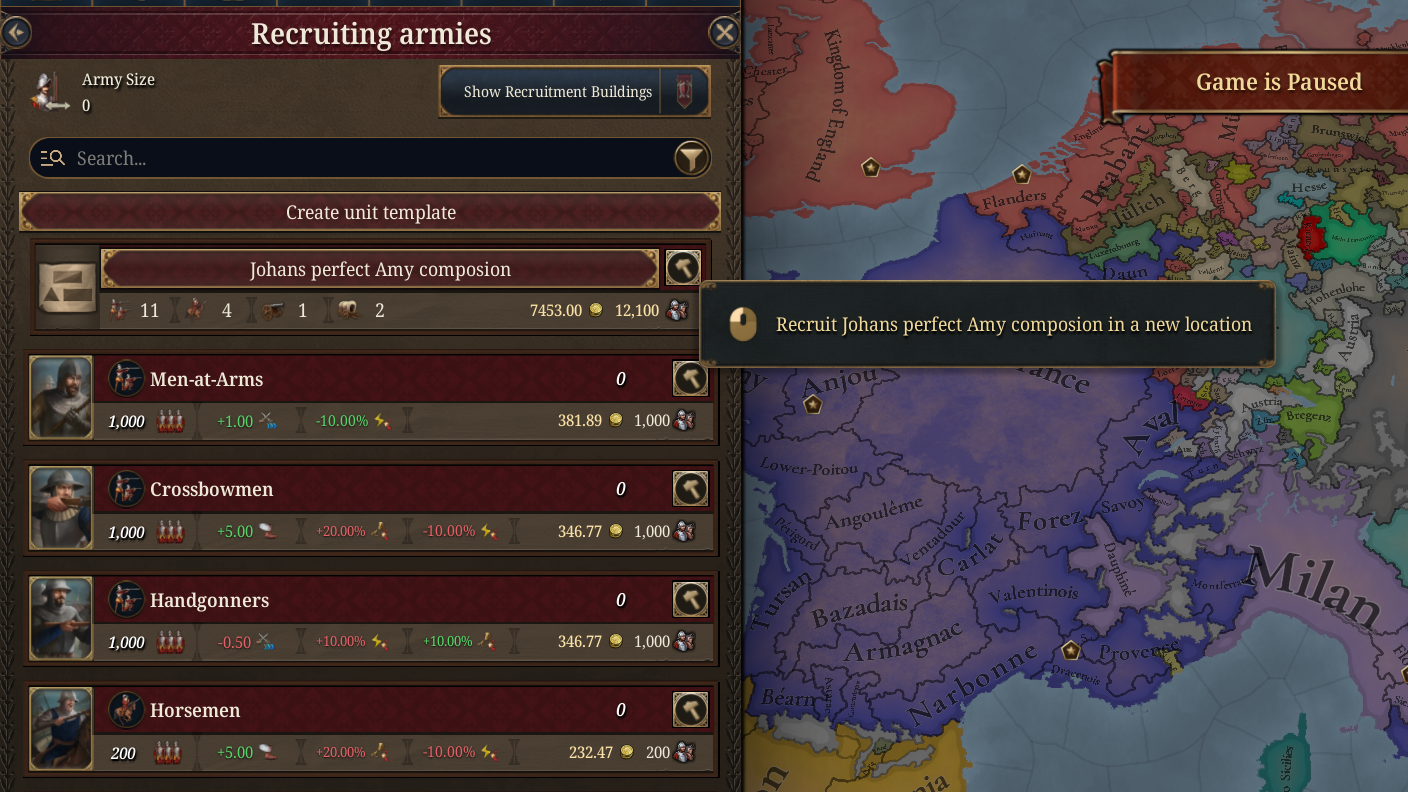
When you start building it, the new unit will be built in as many locations nearby the selected location as possible and then march/sail to the target location forming a new unit.
Unit UI Improvements
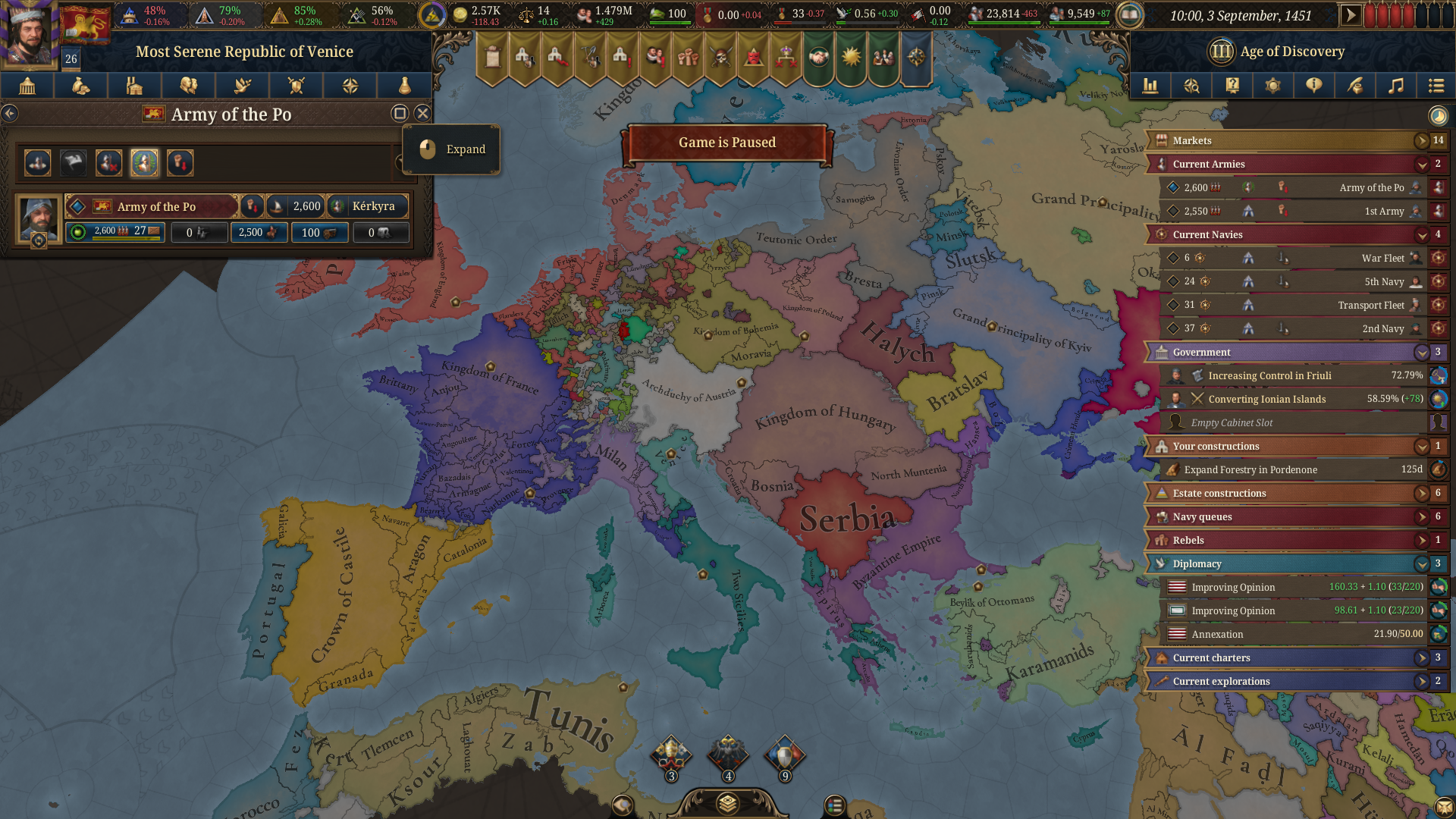
A tiny thing, but something that many people had requested was a less intrusive Unit UI, so in 1.1 you can collapse both the single and multi-unit screens to be as small as possible so you can see more of the map at the same time.
Detach and Select
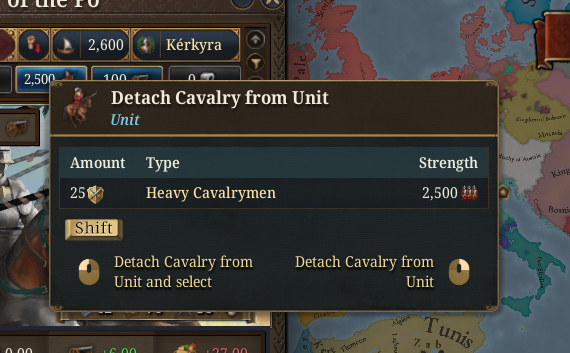
Often when you want to detach a type of units, you want to be able to select them as well, so now left is detach and select, while right click is just detach, as it used to be in EU4.
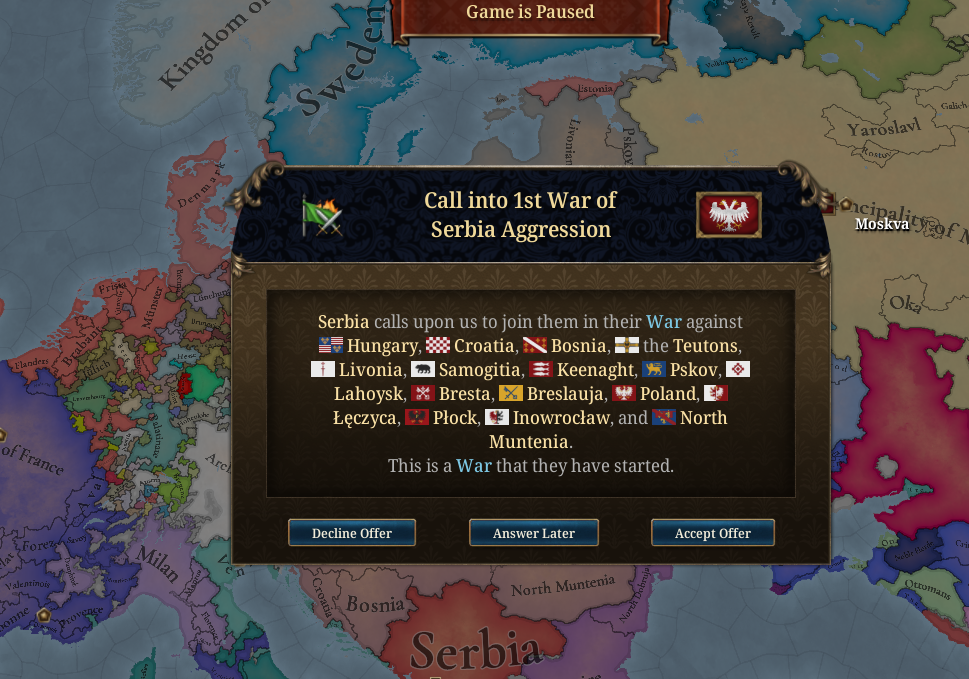
Call into War.
How many here have missed a call to war? Ok, that's all of you... Well, this is now a pop-up, just for your convenience, just so it should be impossible to miss it.
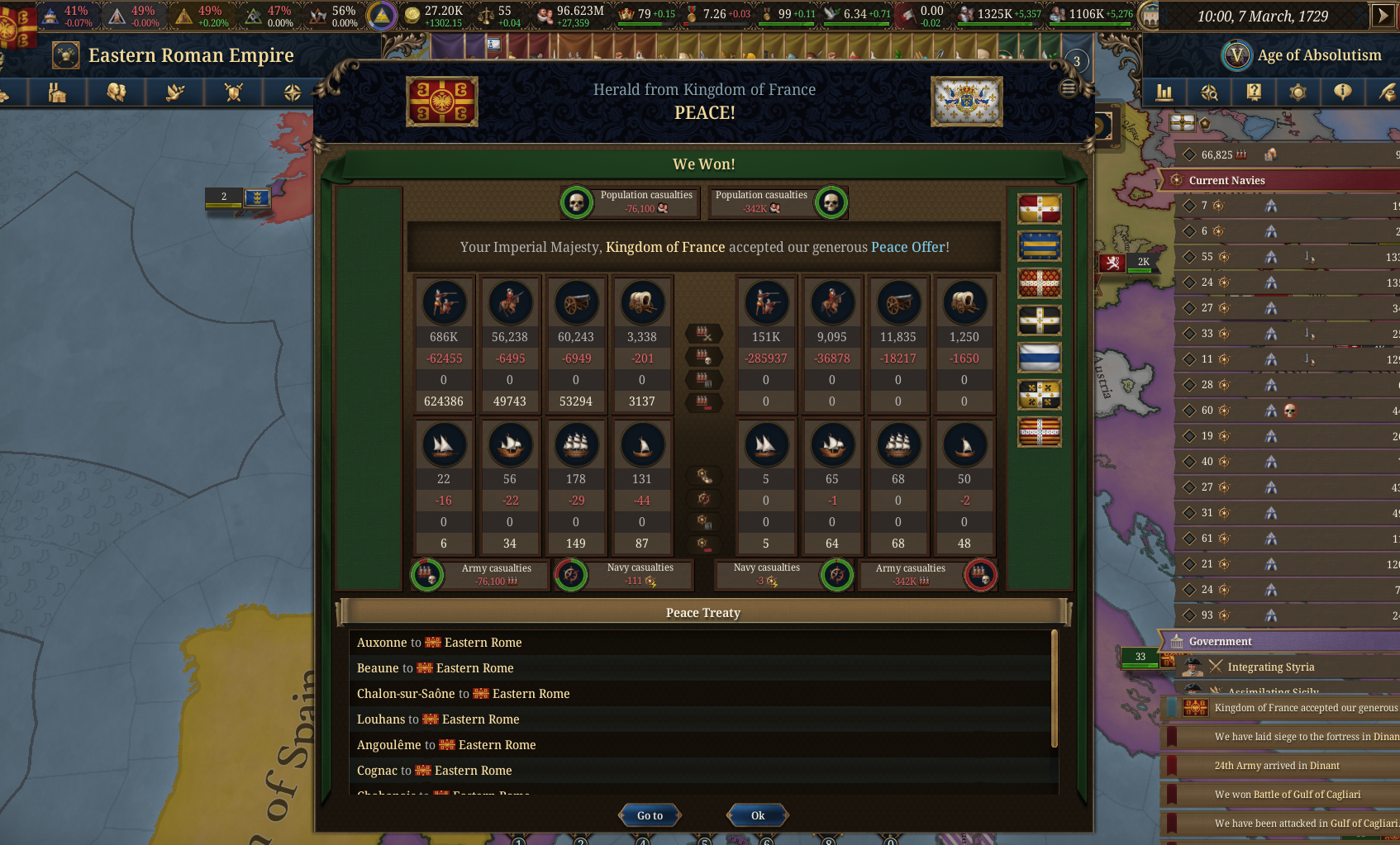
End of War
Being called into war is one thing, but what about the end of the war? So far in EU5, it has been a rather lackluster pop-up showing the treaty signed. Now we get a screen more similar to EU4, so you can see total losses and, more importantly, how many civilians died on each side.
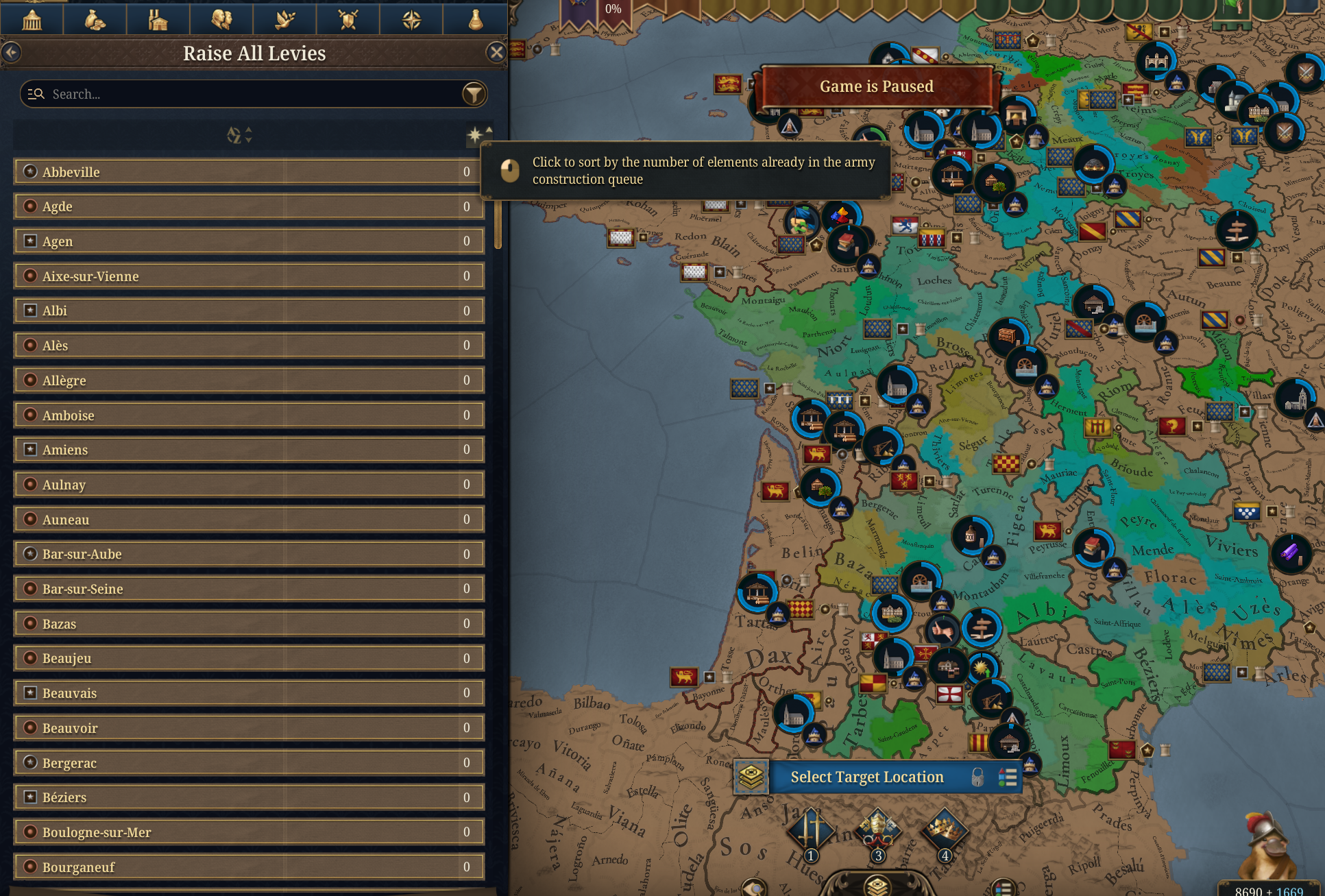
Levy Rally Points
Raising levies is a bit of busy work, but now you can decide where the levies should form up when you raise all levies. This allows you to select a location that all the raised levies will march to and form up in.
Location Building dedicated UI
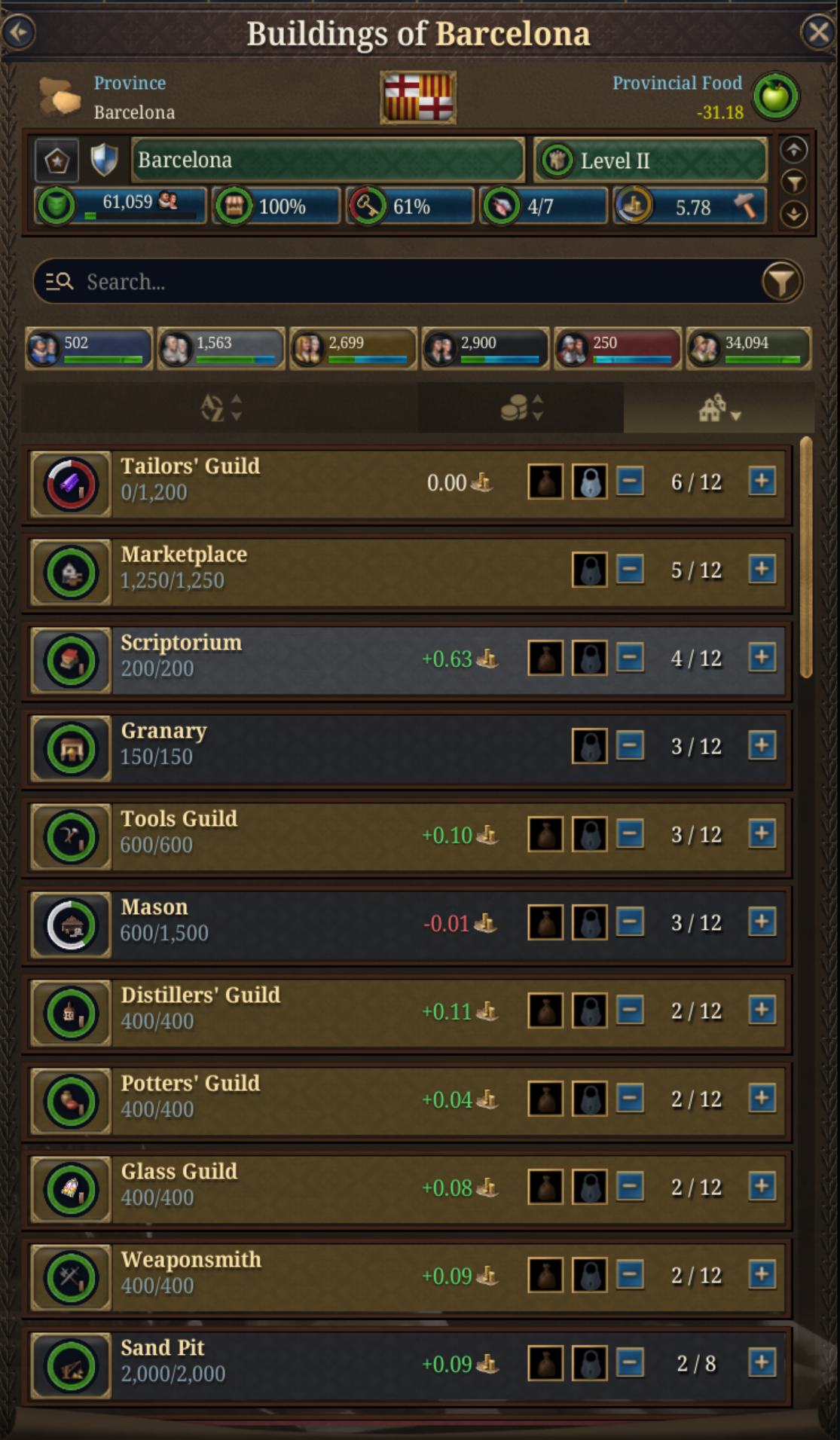
In order to improve production gameflow we have split the specific Location’s Buildings view from the Production/Buildings tab. That allows the viewer to manage the buildings of a specific Location with its own Location information instead of Market and Country Level data. This view attached below is now accessible from: - Location Panel Card in its bottom right button - Location Panel Buildings rows, were Buildings are splitted each Social Class row buttons in rows - Production/Buildings panel by Alt+Left Clicking a Location
Mapmodes
We have added a fair amount of mapmodes, some of you may feel you could never have lived without before.
- Economical Base
- Potential Tax Base
- Market Food Balance
- Market Food Stockpile
- Mapmodes for percentage for Nobles, Laborers, Burghers and Peasants.
- Threat
- Coalition
- Rivers
- Improved Roadbuilder mapmode
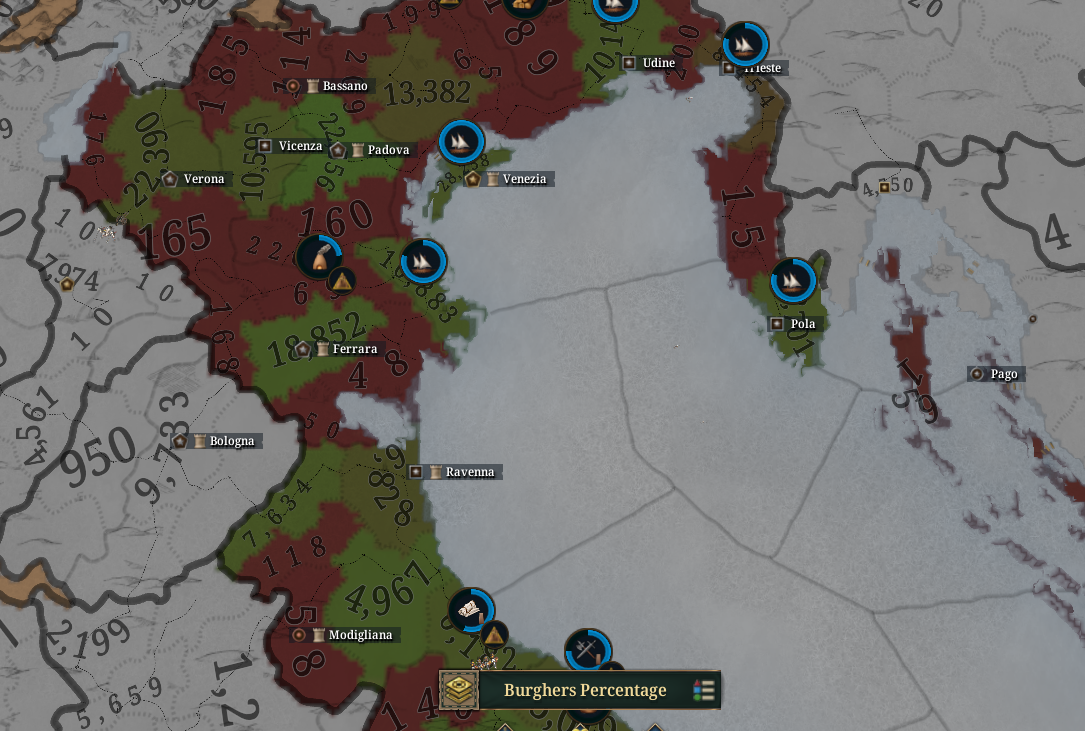 This is the concentration of Burghers in my Venice MP campaign.
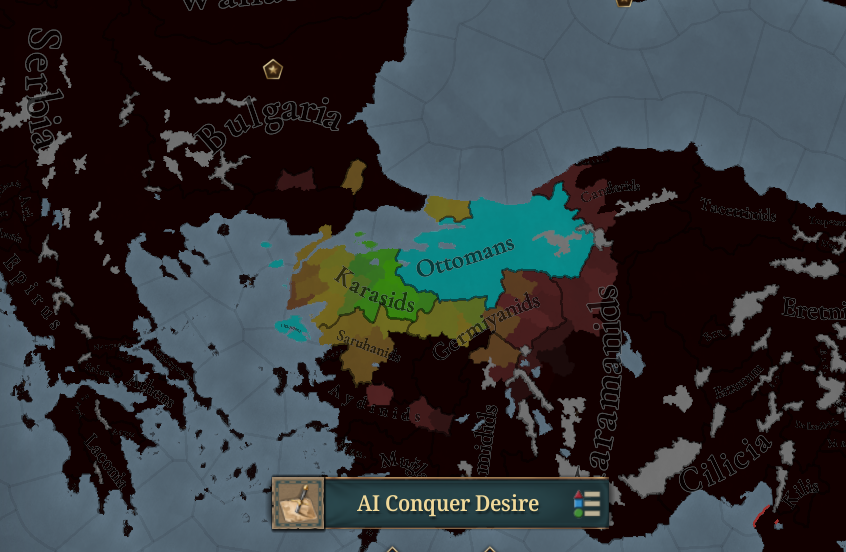
Another cool map mode is the AI Conquer Desire one, so you can see what territories the AI is going for…
Mass Upgrade
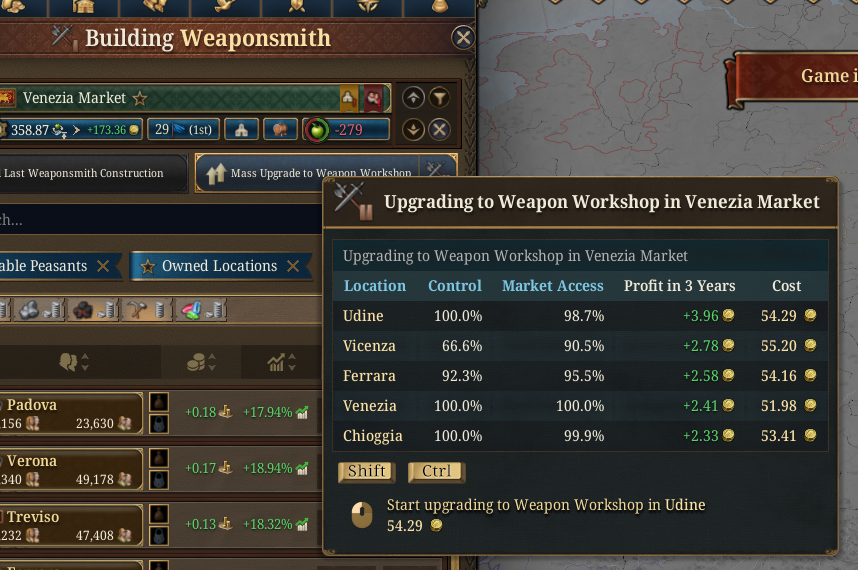
While we had the upgrade button on every single building you already had that could upgrade, it was a bit spammy, so now the mass build button is replaced with and mass upgrade if the selected building can be upgraded, that has the same shift/ctrl click behaviour and information that the mass builder has.
Buying and Selling Locations
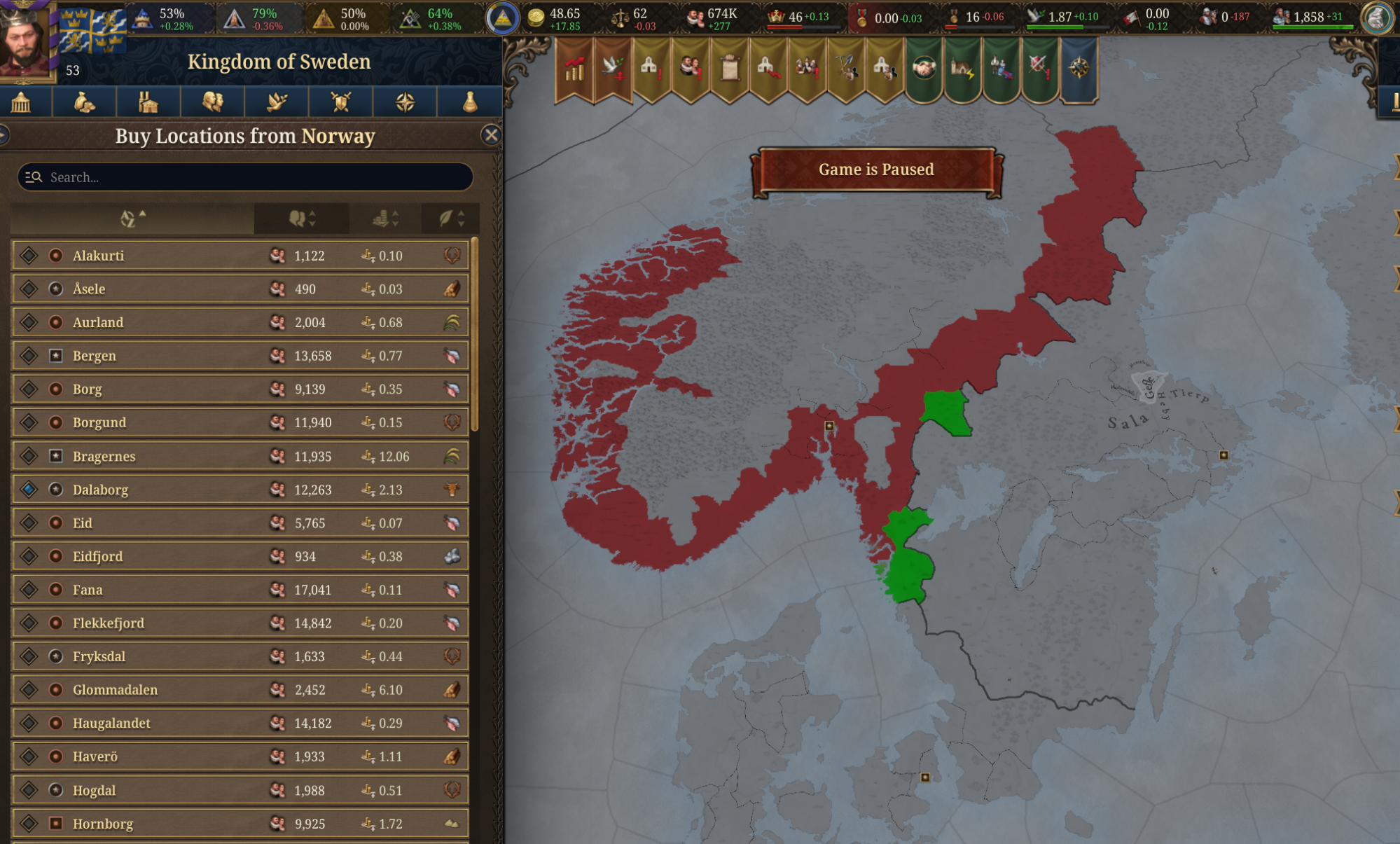
Sometimes when buying or selling locations, you want to process more than one at a time, so now the UI will allow you to sell multiple locations at once.
There are a lot of other minor UI things, improved tooltips, small quality of life things, and more coming, including embarking on units with as many as you can in one click. Next week we’ll be back with lots more on game mechanics, including economy, food and colonial reworks.
As usual, here is a list of handy EU5 links:
Have fun and Be Ambitious!